If your Asaan Karobar Card application was rejected due to verification issues, there’s good news. The government allows one-time resubmission after correcting errors. This updated guide explains how to resubmit your Asaan Karobar Card application, common mistakes, and tips to improve approval chances, all in a simple and SEO-optimized format for Google Discover.
What Is Asaan Karobar Card Resubmission?
Asaan Karobar Card resubmission is a facility for applicants whose applications were put on hold due to failed verification checks such as CNIC, SIM, vehicle token tax, or credit assessment. If your dashboard shows a message allowing resubmission after rectification, you are eligible.
Punjab Boards Matric and Inter Exam Schedule 2026 – Complete & Updated Overview
How to Resubmit Asaan Karobar Card Application
Step 1: Login to the Official Portal
Visit the official Asaan Karobar portal using your CNIC and password. Open your existing application and check the current status.
Step 2: Check Eligibility for Resubmission
You can resubmit only if:
- Your application shows a resubmission option
- Any verification step has failed
- You have not used your one-time resubmission chance
Step 3: Identify Verification Failures
Your dashboard will clearly highlight the failed verification areas. Carefully review each error before proceeding.
Common Verification Errors & Solutions
| Verification Type | Common Issue | How to Fix |
|---|---|---|
| CNIC Verification | Name or DOB mismatch | Update details via NADRA |
| SIM Verification | SIM not registered on CNIC | Visit telecom franchise |
| Vehicle Token Tax | Unpaid or missing record | Pay tax on official portal |
| Credit Assessment | Bank or record issue | Contact your bank |
Tip: Even a minor mismatch can cause rejection, so review carefully.
BISP PMT Score Check Using CNIC 2026 – Eligibility, Status & Complete Guide
Fix Errors Before Resubmission
CNIC & SIM Details
Ensure your CNIC information matches NADRA records and your mobile SIM is registered on your own CNIC.
Financial & Vehicle Records
Clear any pending vehicle token tax and verify that your bank records are accurate and updated.
Final Step: Resubmit Application
Once all errors are fixed:
- Click Resubmit on your application page
- Confirm via pop-up
- Submit successfully
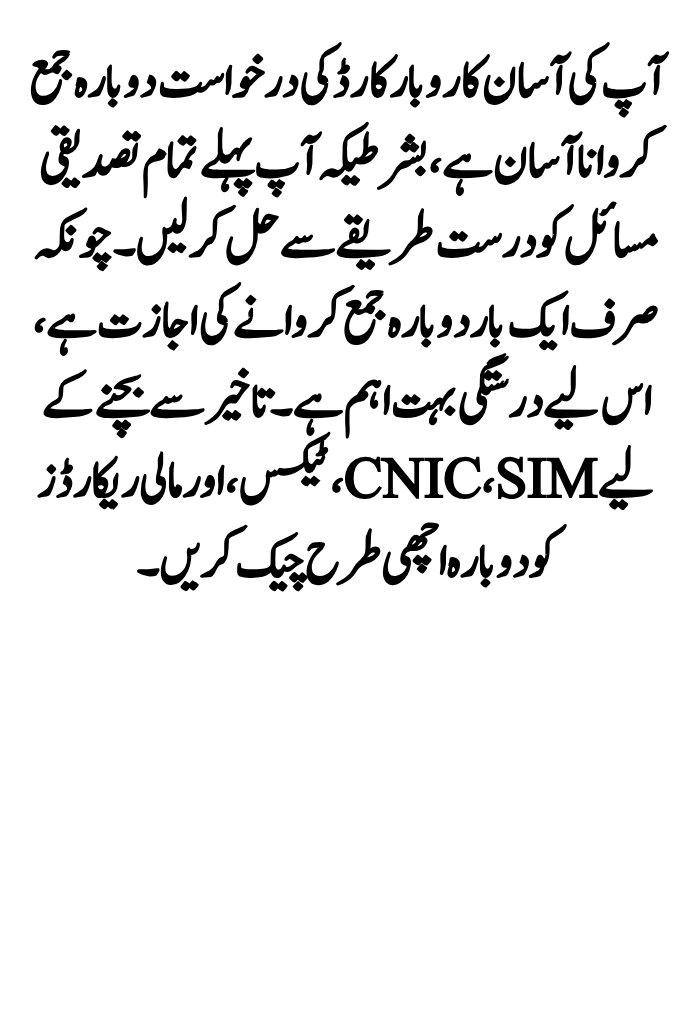
⚠️ Important: You can resubmit only once. Any further issue will require contacting support.
Track Application Status After Resubmission
Log in regularly to monitor verification progress. If all checks pass, your application will move toward loan approval and disbursement.
Conclusion
Resubmitting your Asaan Karobar Card application is straightforward if you carefully correct all verification issues first. Since only one resubmission is allowed, accuracy is critical. Double-check CNIC, SIM, tax, and financial records to avoid delays.
If your application still faces issues, contact the Asaan Karobar helpline at 1786 or submit a complaint through the official portal. With the right corrections, your business support journey can get back on track.